
Register to IMPACT via Mobile App
Dikemas kini: 3 Jul 2026
Register to IMPACT via Mobile App
The first step to getting started with IMPACT is to register on to the system as a user. This article will guide you through the registration process via our mobile app. If you're registering to IMPACT from a browser, please follow the instructions given here.
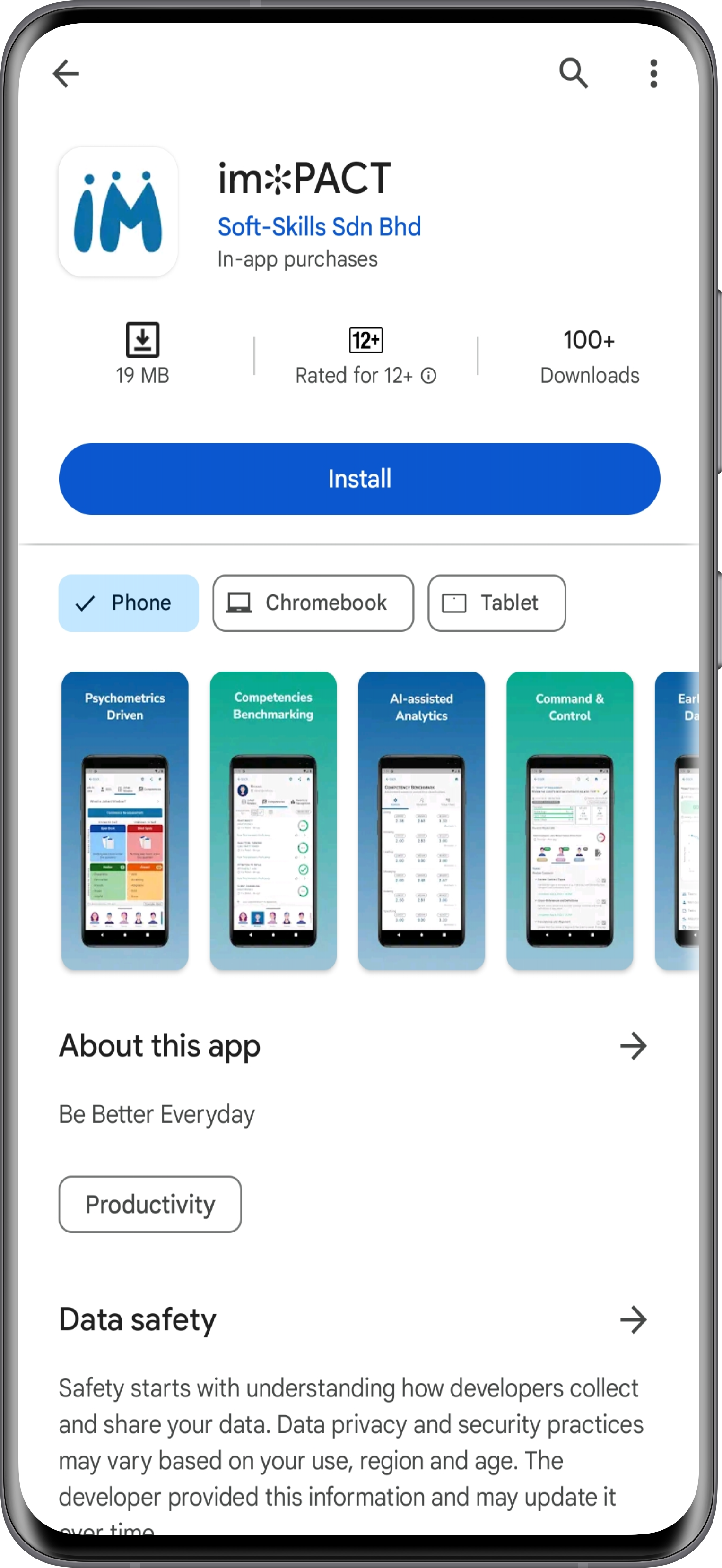
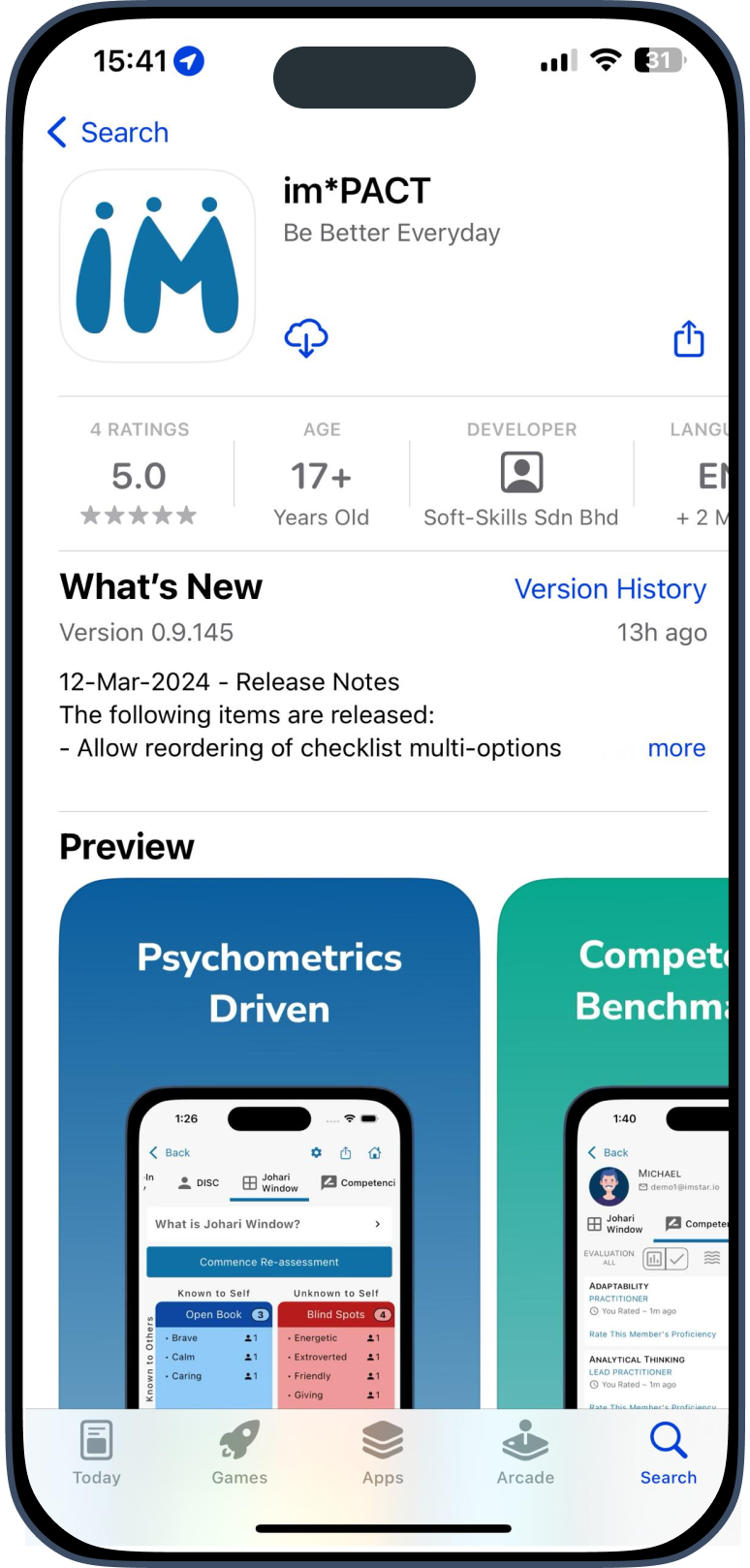
To get started navigate to the IMPACT app's page on the Android Play Store or Apple App Store.
After you have installed the app, you can then register for an account. IMPACT supports account registration via the following ways:
Register via Email & Password
- This is the most common and recommended way of registering to IMPACT via our mobile app.
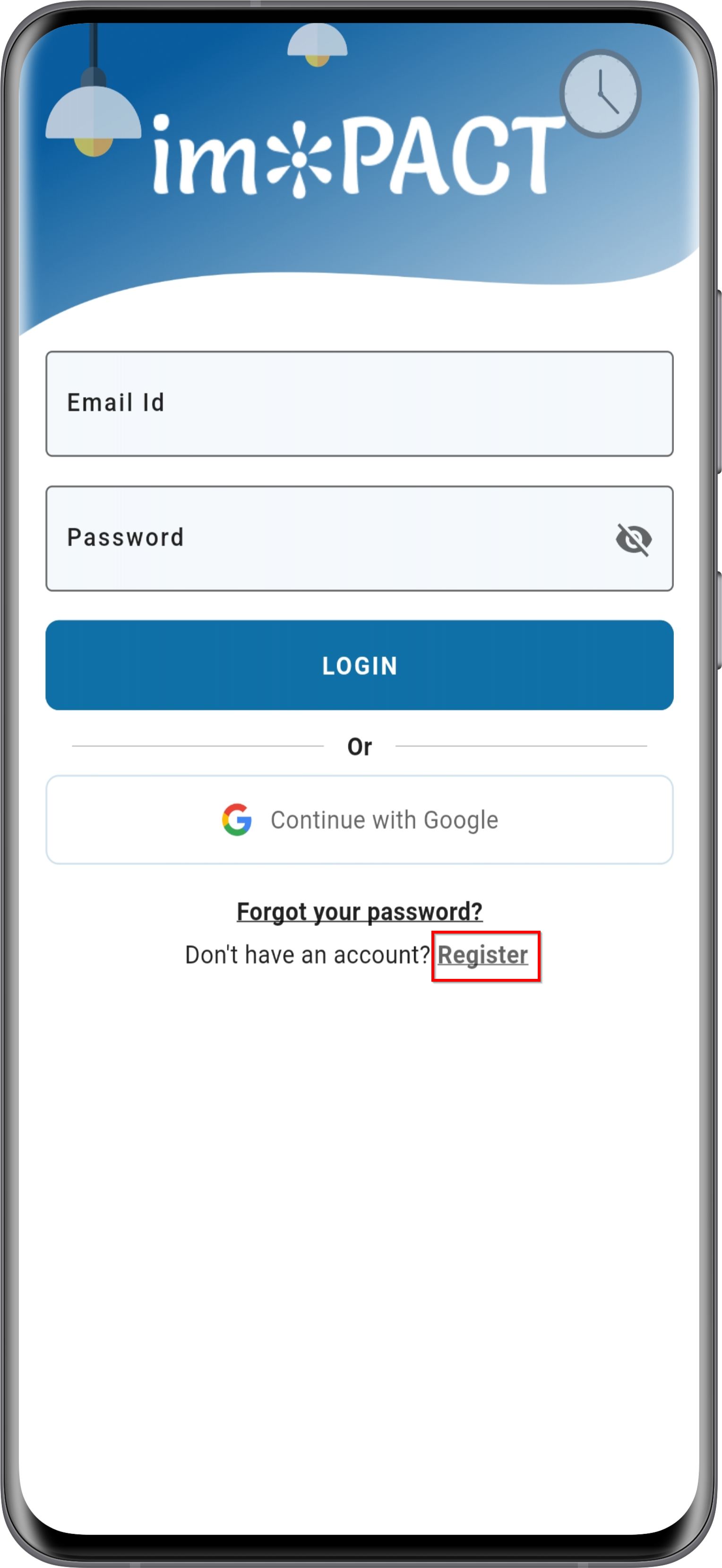
- Open up the app and you'll be greeted with this screen. Press the Register button.
Android:
iOS:
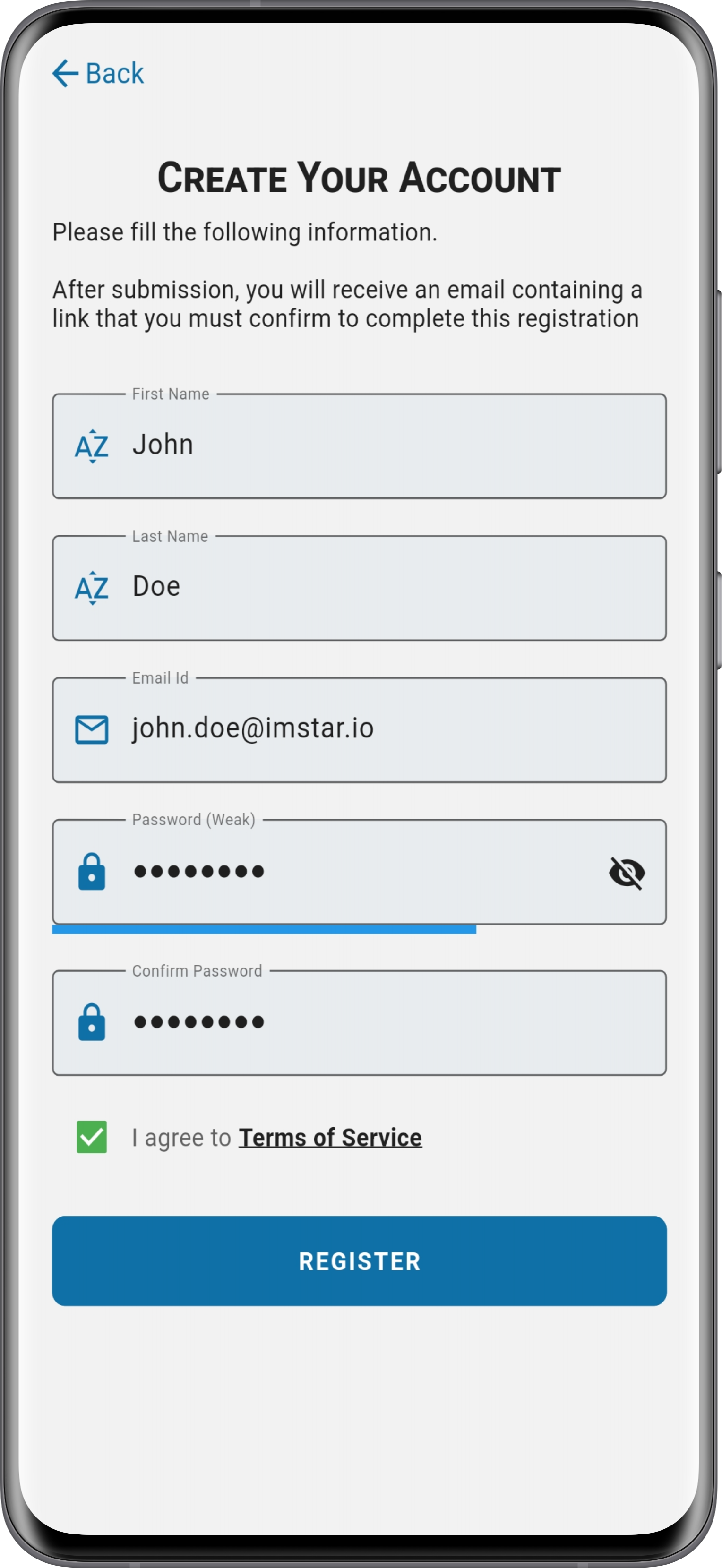
 3. You will be routed to the registration screen. Here you can fill out your account details. Once you're done, press the Register button.
 4. Upon registration, you'll be prompted to check your email inbox. If you don't receive the email, please check your spam/junk folder as well.
 5. You should see an email as such in your inbox.
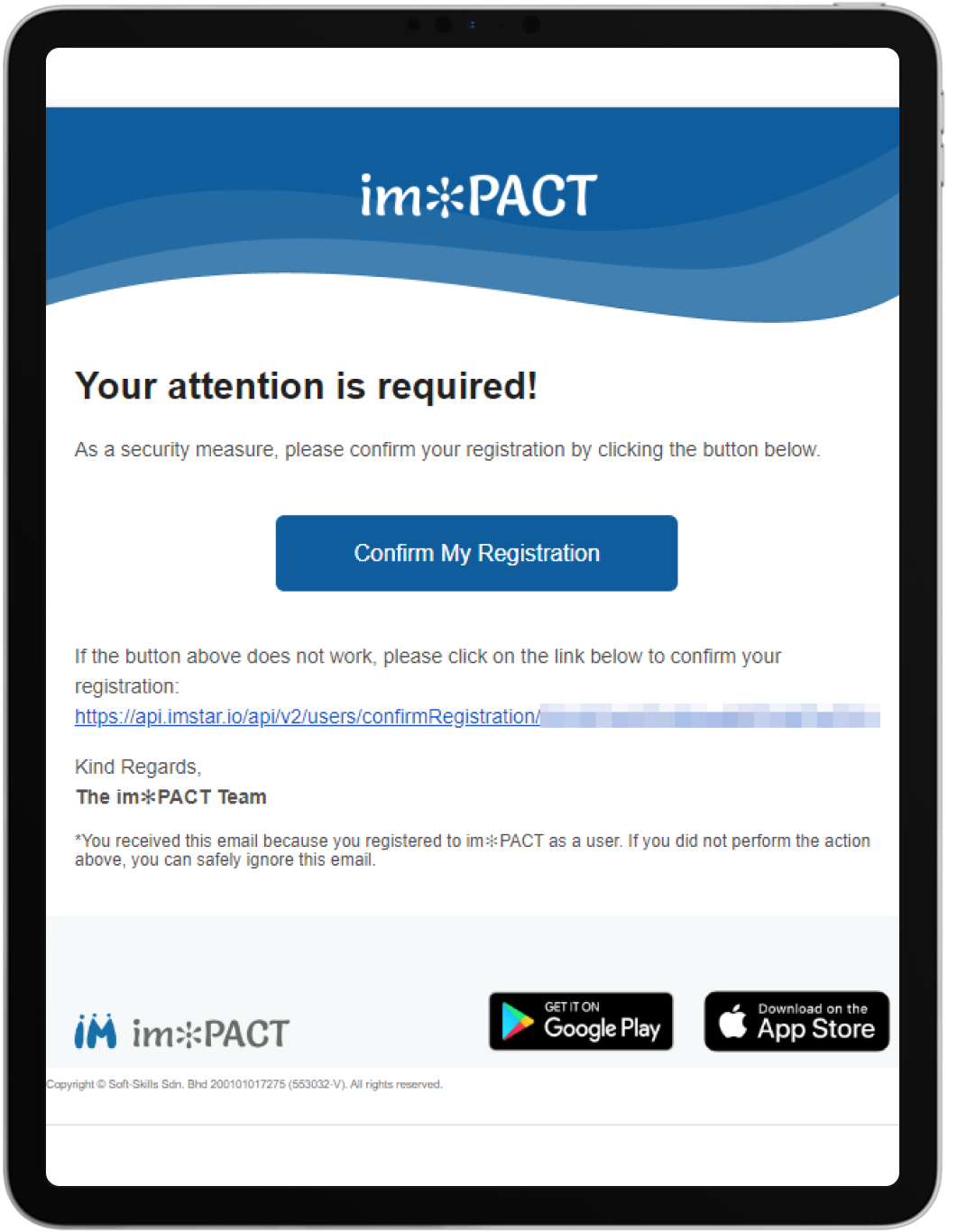 6. Click the Confirm My Registration button and you'll be all set!
Register via Social Sign-in
- Another registration and sign-in method that a lot of users prefer is our Social Sign-in feature. A lot of our users prefer this method as this offers them a quicker way to register and log in.
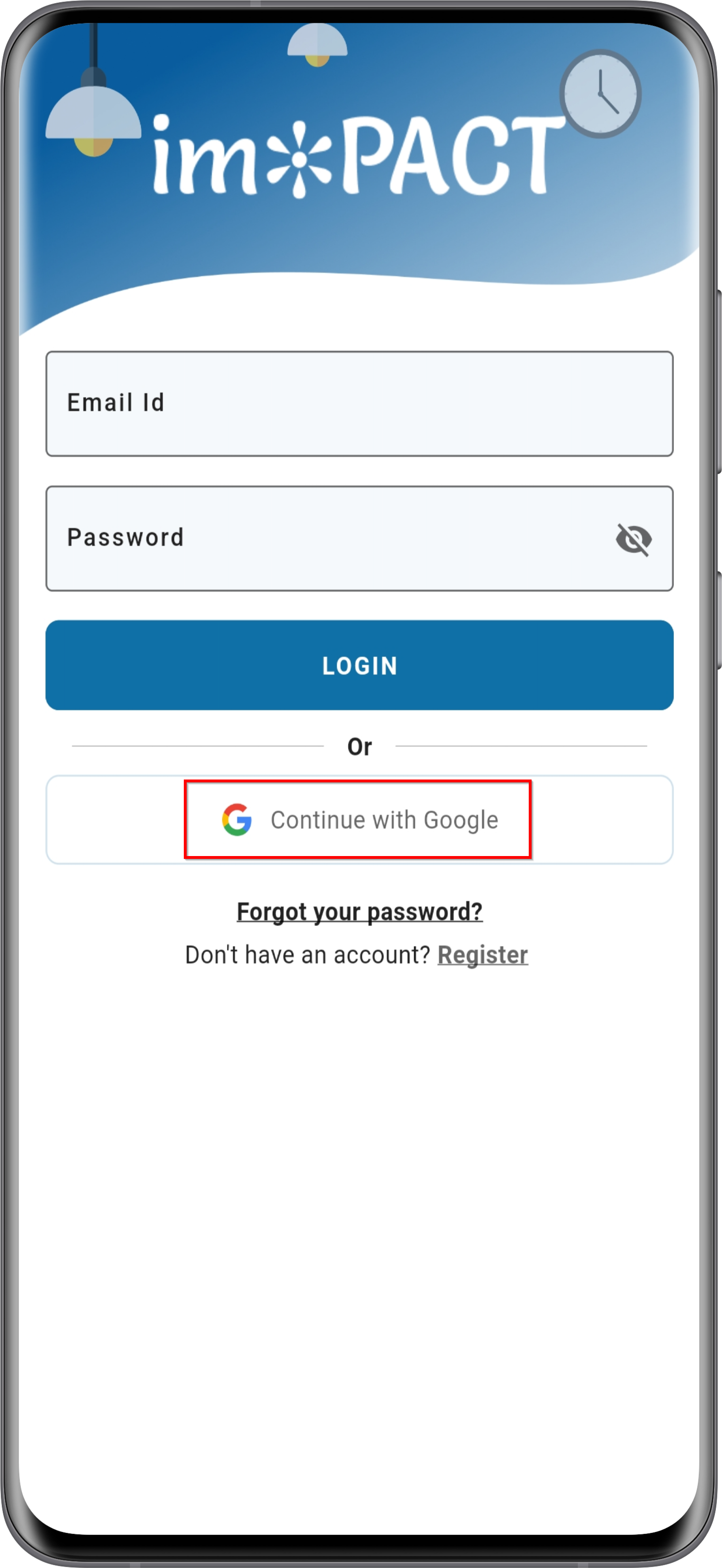
- To perform this registration, simply press the Continue with Google button
 3. You will see a list of your Google accounts that have been signed on to your device.
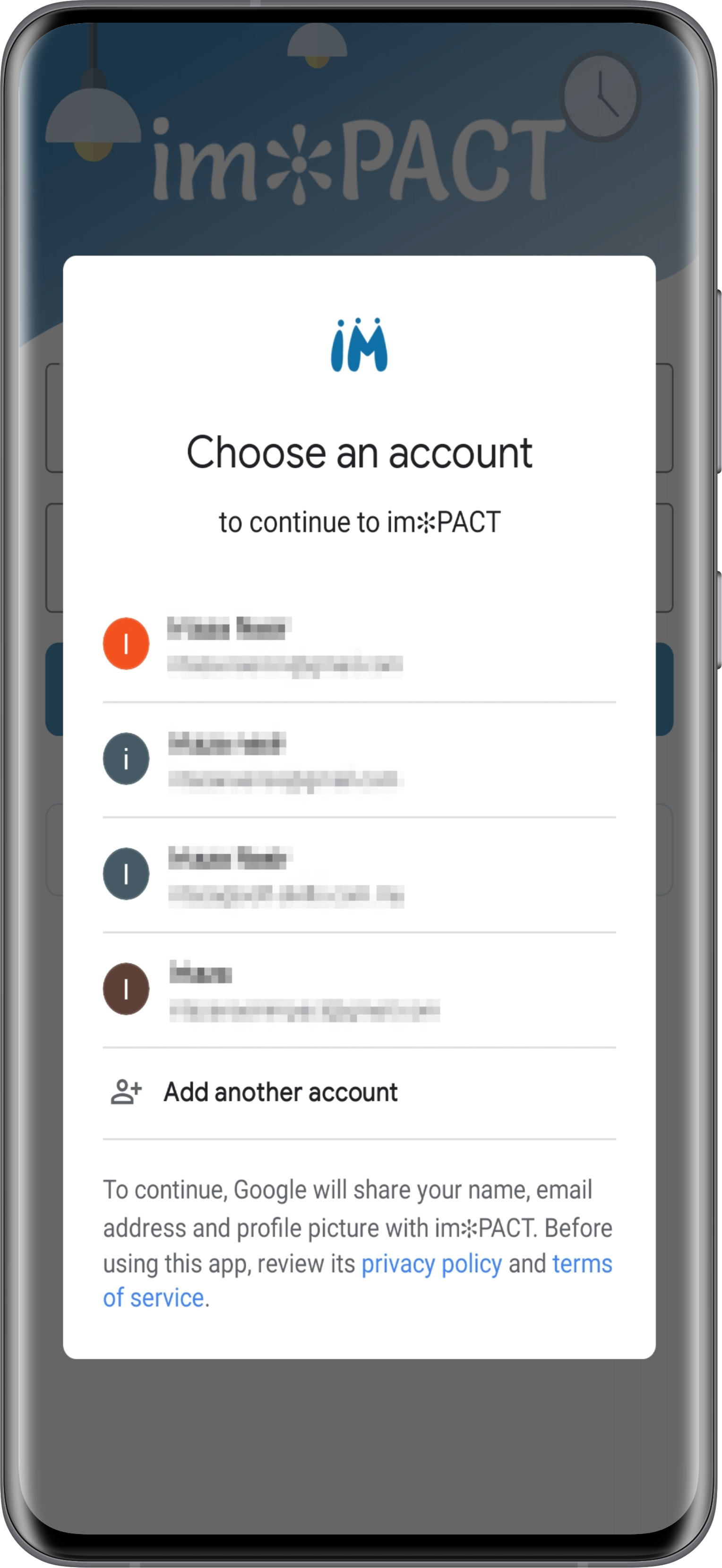 4. Simply choose one of the accounts, and you're all set!